 Paul Thresher
Most security tools are very good at noticing things. The problem is what happens next. At a lot of organizations with 50 to 300 staff, an alert at 2 a.m. goes to an inbox and gets read at 8:30. If it was real, the attacker had six and a half hours. If it came in on a Friday night, they had the weekend.
This post walks through what a 24/7 security operations centre (SOC) actually does overnight, three after-hours attacks it is built to stop, and five questions to ask any provider who says they offer round-the-clock monitoring.
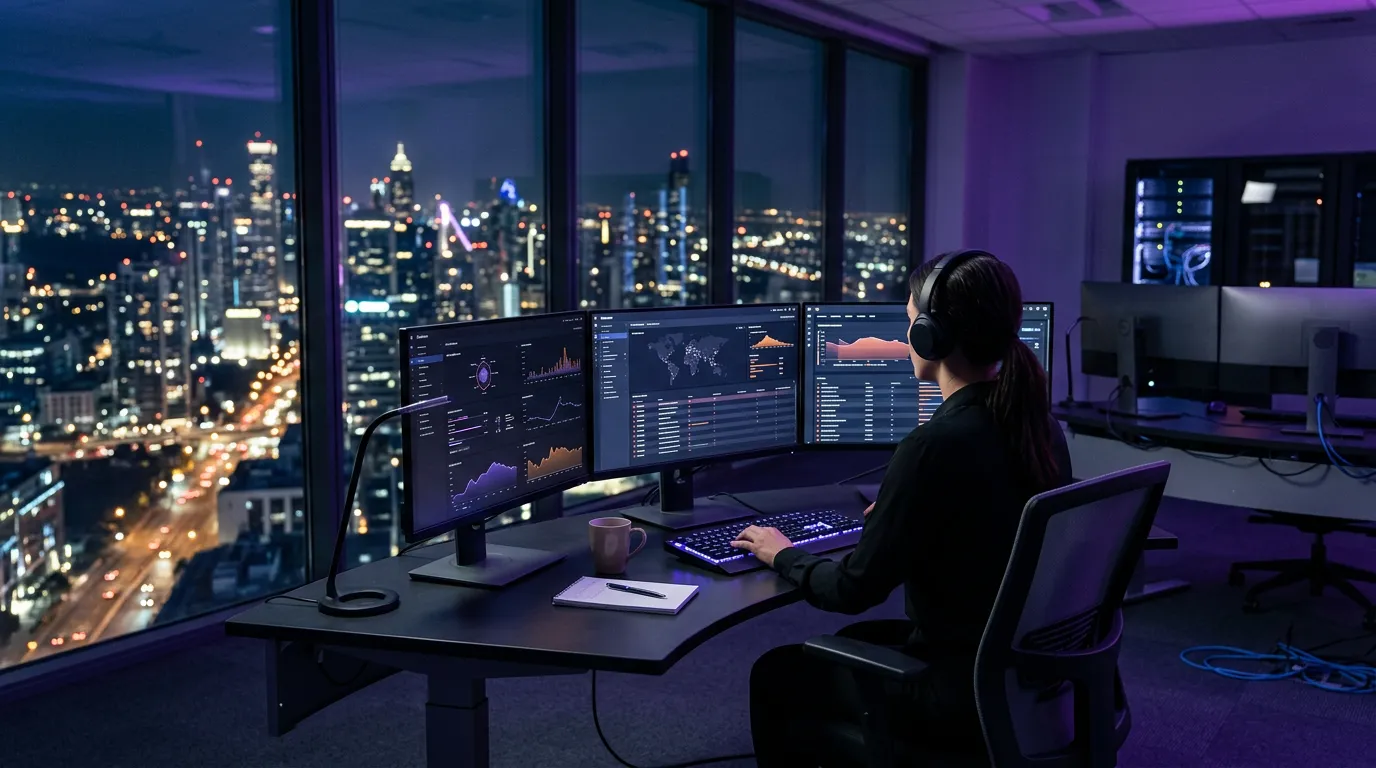
The short answer: a 24/7 SOC is a team of security analysts who watch your firewall, laptops, servers and Microsoft 365 accounts through the night. Most of their time goes to ruling out normal activity. When something is real, they act in minutes: locking a stolen account, cutting an infected laptop off the network, or removing a mailbox rule set up for fraud. That matters because most ransomware is launched when nobody is in the office.
An alert is not a response. If nobody can act on an alert until morning, your security tools are recording the attack, not stopping it. A real 24/7 SOC closes the gap between detection and action at the hours attackers prefer.
Security Operations Centre (SOC)
A security operations centre is a team of security analysts, and the tools they use, that monitors an organization’s systems around the clock. A SOC collects alerts from firewalls, endpoints (laptops and servers), cloud services and identity systems in one place, decides which alerts are real threats, and responds to contain them. A “24/7 SOC” means a person is watching and able to act at every hour, including nights, weekends and holidays.
Why do attackers strike after business hours?
Attackers strike after hours because nobody is watching. An attack that would be spotted and stopped at 11 a.m. on a Tuesday can run for hours at 2 a.m. on a Sunday. Criminal groups know this, and they plan around it.
88%
of ransomware cases had encryption deployed outside business hours (Sophos Active Adversary Report 2026, 661 incident response and MDR cases)
The same Sophos research found that 79% of data theft activity also happened outside the workday, and that identity techniques (stolen or abused logins) were the root cause in 67% of cases. In Canada, the Canadian Centre for Cyber Security’s National Cyber Threat Assessment 2025-2026 names ransomware as the top cybercrime threat to Canadian organizations.
Put those together and the risk is plain: the most damaging attacks start with a login, and they get finished at night.
What does a SOC analyst actually do overnight?
Most of a SOC analyst’s night is spent deciding what is not a threat. Every network produces a steady stream of alerts: a sales rep signs in from a hotel, a backup job runs long, a laptop downloads a large update. Almost all of it is normal, and each one has to be ruled out quickly and correctly.
That takes context. It is why, when we onboard a new client to our managed detection and response (MDR) service, the first step is learning what normal looks like in their environment: who signs in from where, which systems talk to each other, when backups run. Without that baseline, an analyst can’t tell an attack from a staff member working late, and the client gets either missed threats or a flood of false alarms.
It is also why “our IT team keeps an eye on alerts after hours” rarely works. One or two IT people can’t check every alert properly overnight and still do their day jobs. The alerts either go unread or get waved through.
A SOC is only as good as what it can see. If it watches your firewall but not your Microsoft 365 sign-ins or your laptops, it will miss the login-based attacks that cause most incidents. Ask any provider for the full list of sources they monitor.
What does an after-hours attack look like?
After-hours attacks rarely look dramatic. They look like small, quiet changes that only stand out to someone who knows what normal is. The three examples below are typical patterns, not stories about any one client.
1:47 a.m. A login that looks right but isn’t
Someone signs in to your controller’s Microsoft 365 account with the correct password. The multi-factor prompt gets approved, often because the controller tapped “approve” on a stray notification earlier. The location is a city nobody on your team is in. The analyst checks: the controller is asleep in Mississauga. The account is locked, every active session is signed out, and the password reset is waiting for the controller in the morning.
3:10 a.m. A laptop starts rewriting files
A laptop left on in the office starts changing hundreds of files on a shared drive, fast. That is how ransomware behaves. The analyst cuts that one laptop off the network so it can’t reach anything else. One machine needs rebuilding. The shared drive doesn’t.
Saturday, 11:20 p.m. A quiet rule in someone’s mailbox
A new rule appears in an accounts payable mailbox: copy anything with “invoice” in it to an outside address, then hide it. Nobody gets a pop-up for this. It is how business email compromise and payment fraud start. The rule is removed, the account is secured, and on Monday your team knows exactly which emails were exposed.
In all three, the damage is decided in the first hour, not the next morning. We see the same thing in phishing investigations: the useful evidence is in the trail the attacker leaves after the first click, which we covered in Following the Phishing Attack Path.
What is the difference between 24/7 monitoring and 24/7 response?
24/7 monitoring means something is watching. 24/7 response means someone can act. Many offers use the first phrase and imply the second, and the gap only shows up on the night you need it.
| At 2 a.m. | Alert-only monitoring | 24/7 SOC with response |
|---|---|---|
| Who sees the alert | An automated rule, then your inbox | A security analyst, in real time |
| Who decides if it’s real | Your IT team, in the morning | The analyst, using a baseline of your normal activity |
| What happens to a stolen login | It stays active until someone reads the email | Account locked and sessions signed out |
| What happens to an infected laptop | It keeps reaching shared drives | Isolated from the network |
| What you get in the morning | A pile of unread alerts | A plain account of what happened, what was done, and what needs your decision |
Tools like a SIEM (a system that collects and searches security logs) are part of this picture, but on their own they still need someone to act. We compared the two approaches in MDR vs SIEM: Which One Does Your Business Need?
What should you ask a 24/7 SOC provider before you sign?
Ask for specifics in writing. “24/7 protection” on a sales page tells you nothing about what happens at 2 a.m. These five questions do, and they apply to every provider, us included.
Who looks at the alert? A named team of security analysts, or an automated rule that forwards it to you?
Can they act without waking you? Locking an account or isolating a laptop at night, under rules you agree on ahead of time.
What is the response time on critical issues? A number, not “fast”. Ours is a 15-minute critical response SLA.
What do they watch? The firewall only, or also laptops, servers and Microsoft 365, where most login-based attacks start?
What do you get in the morning? A plain report of what happened, what they did, and what still needs your decision, plus a root-cause report after any confirmed incident.
Agree the after-hours rules before anything happens. Write down which actions the SOC can take on its own (lock an account, isolate a device, block an address) and which need a call to a named person on your side. Then put that person’s mobile number in the agreement. That one page removes most of the hesitation on the night it matters.
For a broader checklist that covers the rest of the agreement, see How to Evaluate an MSP Before You Sign.
Should you build an in-house SOC or outsource it?
For most organizations with 50 to 300 staff, outsourcing the SOC is the realistic option. Covering every hour of the week takes several trained analysts once you account for nights, weekends, holidays and sick days, and a week has 168 hours. Few mid-market IT budgets stretch to that.
Outsourcing doesn’t mean handing over control. Your IT team keeps the decisions about your systems; the SOC covers the hours and the alert volume they can’t. For the full comparison, read SOC as a Service vs. In-House SOC.
If a cyber insurance questionnaire or an auditor asks how security alerts are handled outside business hours, “they go to an inbox” is a hard answer to give. Know your real answer before someone asks.
How to find your own after-hours gap
Pick one alert type, such as a sign-in from a new country, and trace it. Where does the alert go? Who sees it at 2 a.m. on a Saturday? What can they do about it, and how long would that take? If the answers are “an inbox”, “nobody” and “Monday”, you have found the gap.
Attackers plan around your office hours. A 24/7 SOC is worth paying for only if someone on it can act at those hours, sees your logins and laptops as well as your firewall, and tells you plainly in the morning what happened.
BALANCED+ has provided managed IT and cybersecurity since 1994, and our 24/7 SOC watches client environments every hour of the year. If you want to see where your after-hours coverage stands, start with our cybersecurity services or book a consultation. It’s a conversation, and you’ll leave knowing what to fix first.
Sources
- Sophos Active Adversary Report 2026: Ransomware activity peaks outside business hours, Help Net Security, 2026
- National Cyber Threat Assessment 2025-2026, Canadian Centre for Cyber Security, 2024