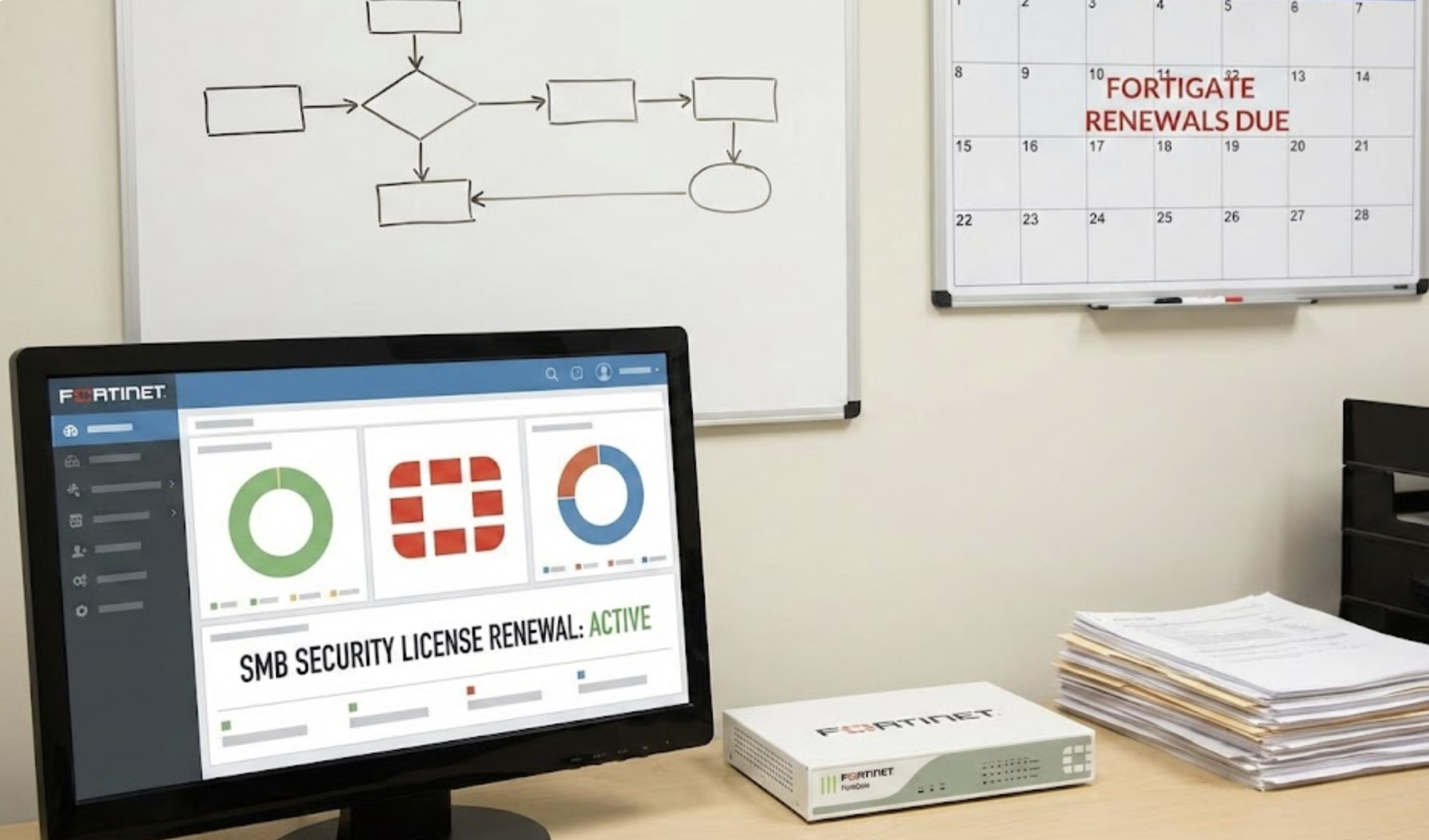

The email arrives from your vendor or distributor. Your Fortinet renewal is coming up. Someone on your team forwards it with a note: “Can we just renew what we have?”
It feels like a simple question. You already have a setup that works. The renewal quote looks similar to last time. Approving it takes five minutes and gets it off your plate.
So you sign. And in doing so, you’ve just made one of the most consequential technology decisions of the year while treating it like a routine purchase order.
Fortinet renewals aren’t paperwork. They’re decision points that determine what your firewall can actually do, what it can’t protect you from, and whether you’re spending your security budget where it matters most. The problem is that most businesses don’t realize this until something goes wrong.
The Auto-Renew Trap
The most common approach to Fortinet renewals is also the most dangerous: just renew what you had before.
It makes sense on the surface. You bought this configuration for a reason. Your IT person set it up. Things have been working. Why change anything?
Because everything around that configuration has changed, even if the firewall itself hasn’t.
When you originally purchased your Fortinet setup, your business looked different. You probably had fewer employees, fewer remote workers, fewer cloud applications, and fewer compliance obligations. The threat landscape was different. Your bandwidth requirements were different. Your insurance carrier may not have been asking questions about your security posture yet.
“Same as last time” assumes that none of this matters. It assumes that the licensing bundle you chose three years ago still aligns with how your business operates today. It assumes that the hardware you’re running can still handle the inspection and filtering workload your network actually demands.
That assumption goes unchallenged because nobody on your team has a reason to question it. Your IT person wants the firewall to keep working. Your vendor wants the renewal to go through. You want one less thing to think about. Everyone’s incentives point toward the path of least resistance.
And that path often leads to paying for capabilities you don’t use while lacking protections you actually need.
The Licensing Confusion Nobody Talks About
Fortinet’s licensing model is not simple. It wasn’t designed to be. It was designed to be flexible, which is valuable for organizations with dedicated security teams who can evaluate each component. For an SMB owner or a solo IT person juggling twenty other priorities, “flexible” often translates to “confusing.”
There’s the hardware itself. There are FortiGuard subscription bundles that provide threat intelligence, web filtering, antivirus, intrusion prevention, and other security services. There are individual subscription add-ons. There are support tiers that determine what level of help you can get when something breaks.
Most businesses don’t know exactly what they’re paying for within their renewal quote. They see a total number and either approve it or negotiate the price down without questioning what’s actually included.
This creates two problems that look very different but stem from the same root cause.
The first is overpaying. You might be renewing subscriptions for features your firewall hardware doesn’t have the processing power to run effectively. You might be paying for overlapping capabilities because nobody audited what you’re already getting from other tools in your security stack. You might be carrying premium support when standard support would cover your actual needs.
The second is under-protection. You might be missing critical security subscriptions because they weren’t included in your original bundle and nobody revisited the decision. You might have advanced threat protection on paper but lack the hardware performance to run deep inspection on encrypted traffic without crippling your network. You might be renewing a configuration that was right-sized for a 25-person office and running it for a 60-person hybrid workforce.
The licensing complexity isn’t malicious. But it does mean that a renewal treated as routine almost certainly results in a mismatch between what you’re paying for and what you actually need.
Timing Mistakes That Cost More Than You Think
Even businesses that pay attention to what they’re renewing often stumble on when they renew.
Renewing too late creates obvious problems. If your FortiGuard subscriptions lapse, your firewall stops receiving threat intelligence updates. It stops checking traffic against current malware signatures. It stops filtering against updated threat databases. The hardware still runs. The lights still blink. But the security services that make it useful go dark. And the gap between your subscription expiring and your renewal processing is a window where your network is genuinely less protected.
If your business operates under compliance requirements, a lapsed subscription isn’t just a security risk. It’s a documentation gap. When an auditor asks whether your firewall’s threat protection was continuously active for the past twelve months, a lapse creates a finding. When your cyber insurance carrier asks the same question during a claim, the answer could determine whether they pay.
Renewing too early has a different cost. If you lock in a renewal months ahead without evaluating whether your current configuration still fits, you’ve committed budget before doing the analysis. If your business has grown, if your compliance landscape has shifted, if your hardware is approaching end of life, you may have just renewed subscriptions on a platform that needs to be replaced entirely.
The worst timing mistake is the one that combines both problems: renewing expensive subscriptions on hardware that’s already past or approaching end of support. You’re paying for security services running on a device that Fortinet is no longer patching. The subscriptions are current. The platform underneath them is frozen.
When Your Renewal Doesn’t Match Your Business Anymore
Businesses change faster than their IT infrastructure, and Fortinet renewals often expose just how wide that gap has become.
The company that bought a FortiGate three years ago for a team of 30 people working in one office may now have 55 employees, a third of whom work remotely at least part of the time. The VPN capacity that was adequate is now a bottleneck. The bandwidth allocation that worked when cloud tools were supplementary now chokes under the load of Teams calls, cloud-based ERPs, and SaaS platforms that didn’t exist in the original design.
The compliance landscape has shifted too. Three years ago, your customers may not have asked about your security controls. Your insurance carrier may not have cared about your firewall’s patch status. Ontario’s regulatory environment around data protection wasn’t generating the same pressure it does today. If your Fortinet configuration hasn’t evolved alongside those requirements, your renewal is preserving a gap, not closing one.
Even the threat environment has moved. The types of attacks that FortiGuard services protect against have changed significantly. Encrypted threat traffic has increased dramatically. Application-layer attacks are more sophisticated. The inspection capabilities your business needed in 2022 are not the same capabilities you need in 2026.
A renewal that simply replicates your existing configuration is a statement that nothing in your business, your industry, your compliance landscape, or the threat environment has changed. For most SMBs in the GTA, that statement simply isn’t true.
The Questions You Should Be Asking (But Probably Aren’t)
The gap between a routine renewal and a strategic one comes down to whether anyone is asking the right questions before the quote gets approved.
Do you know what each line item on your Fortinet renewal quote actually does? Not what the label says, but what it means for your daily operations and security posture. If someone on your team can’t explain in plain language what you’re getting for each dollar, the renewal is being approved on faith.
Has anyone checked whether your current hardware can actually run the services you’re renewing at full capacity? A firewall subscription is only as good as the device running it. If your FortiGate is throttling inspection to keep up with traffic, you’re paying for security capabilities that aren’t fully active.
When was the last time someone compared your subscription bundle to your actual security requirements? Not the requirements you had when you first purchased, but the requirements your business faces right now, including what your customers are asking for, what your insurance carrier expects, and what your IT roadmap actually demands.
Has anyone evaluated whether your renewal would be better spent on right-sizing your entire Fortinet deployment rather than extending a configuration that no longer fits? Sometimes the smartest move isn’t renewing at all. It’s stepping back and asking whether the foundation still supports the building you’ve constructed on top of it.
If the answer to most of these is “no” or “I’m not sure,” you’re in good company. Most SMBs treat Fortinet renewals as administrative, not strategic. But the businesses that get the most out of their security investment are the ones that treat renewal season as a checkpoint, not a checkbox.
Rethinking the Renewal
A Fortinet renewal landing in your inbox should feel less like an invoice and more like a prompt. It’s a built-in opportunity to assess whether your security spending is aligned with your business reality, or whether you’re funding a configuration that served a version of your company that no longer exists.
This isn’t about making renewals complicated. It’s about recognizing that a five-minute approval on a misaligned configuration carries real consequences: money spent on the wrong things, gaps left in the wrong places, and compliance exposure that accumulates quietly until it matters loudly.
Your Fortinet investment should reflect the business you’re running today, not the business you were running when someone first set it up. The renewal is the moment to make sure it does.
Learn More About Managing Your Fortinet Investment
If your next Fortinet renewal is approaching and you’re not confident that your current configuration still matches your business needs, that’s worth exploring. Learn more about how managed Fortinet firewall services help businesses align their security investment with their actual requirements.