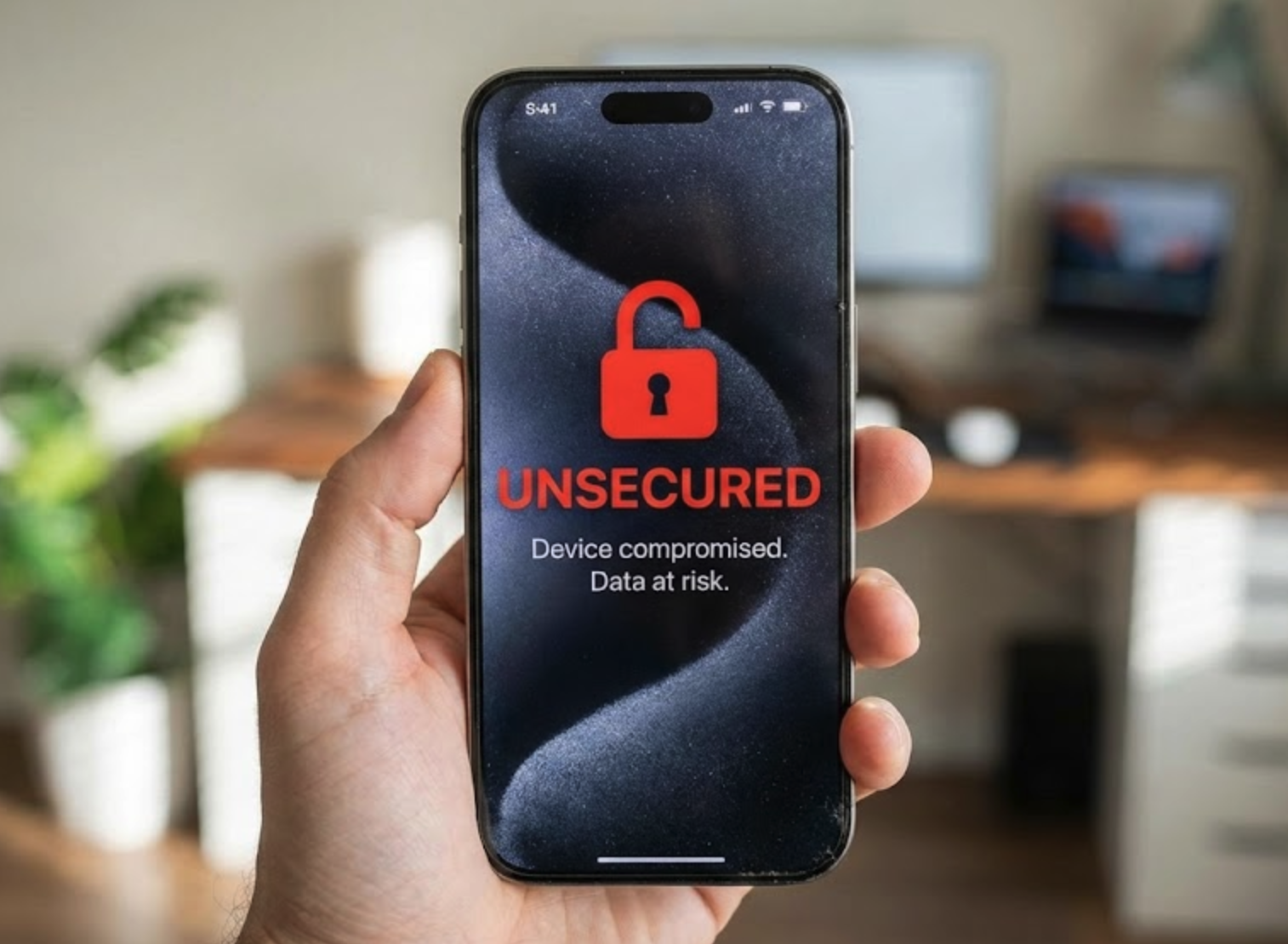

Your sales rep checks customer emails from her personal iPhone while waiting at the airport. Your contractor downloads project files to his home laptop. Your office manager reviews invoices on her tablet during lunch.
None of these devices belong to you. You didn’t configure them. You don’t manage them. You have no idea what other apps are installed, whether the operating system is current, or if basic security practices are followed.
But your customer data, financial records, and confidential business information are all sitting on those devices right now.
This is the reality of modern work. Remote teams, hybrid schedules, contractors, and the simple expectation that people can work from anywhere have made personal device access unavoidable. The flexibility is real. So are the risks.
The Problem with Devices You Don’t Control
When employees access corporate resources from personal devices, you lose visibility into what happens to that data. An employee might copy customer contact lists into a personal note-taking app. Project files could be saved to personal cloud storage accounts. Sensitive emails might be forwarded to personal addresses for “convenience.”
None of this requires malicious intent. People just work the way that feels natural. They use the apps they prefer. They save files where they can find them later. They don’t think about data boundaries because the technology doesn’t enforce them.
The risks compound quickly:
- Corporate data gets copied to personal apps and cloud storage you can’t see or control
- Sensitive information remains on devices long after employees or contractors leave
- Lost or stolen phones and laptops expose business data to unknown parties
- IT has no visibility into how corporate information is accessed, shared, or stored
Traditional device management doesn’t solve this problem in personal device scenarios. You can’t reasonably demand full control over someone’s personal phone. Employees and contractors won’t accept it, and frankly, it raises legitimate privacy concerns. Requiring full device enrollment often means people simply work around the policy instead of complying with it.
The solution isn’t managing devices. It’s managing data.
Protecting Data Instead of Controlling Devices
Modern security tools can protect corporate data within applications rather than requiring control of the entire device. This approach, sometimes called app protection or mobile application management, focuses security where it matters: around the business information itself.
Think of it as creating a secure container within specific apps. When someone opens Outlook, Teams, or OneDrive on their personal device, corporate data stays inside those protected applications. The security controls apply to the business apps, not the entire phone or laptop.
This means you can prevent corporate data from being copied into personal apps. You can block files from being saved to personal cloud storage. You can require additional authentication before someone accesses business information, even if the device itself is unlocked.
The approach creates clear boundaries. Business data stays in business apps. Personal data stays personal. The device owner’s privacy is respected because you’re not managing their photos, personal email, or other apps. You’re only securing the corporate information they’ve agreed to access.
What App-Level Protection Actually Does
When implemented properly, app protection policies address the specific risks that personal device access creates.
Preventing data leakage is the foundation. Corporate information can’t be copied and pasted into personal apps. Files can’t be saved outside approved locations. Sharing is restricted to other protected business applications. The data simply can’t leave the secure container through normal use.
App-specific authentication adds another layer. Even if someone picks up an unlocked phone, they can’t access business apps without entering a PIN, using biometric authentication, or meeting other verification requirements. Corporate data remains protected regardless of the device’s own security settings.
Identity-based access controls determine who can access what. When combined with your organization’s identity management, you can require multi-factor authentication, restrict access to approved applications, and block sign-in attempts that appear suspicious or risky. Access decisions are based on who the person is and how they’re signing in, not which device they happen to be using.
Selective data removal becomes possible when access should end. If a contractor’s engagement concludes, an employee leaves, or a device is lost, you can remove only the corporate data from the protected apps. Personal content remains untouched. This is particularly valuable for BYOD scenarios where you need to respect that the device belongs to the individual, not the company.
Why This Matters for Contractors and Temporary Workers
The personal device challenge becomes especially acute with contractors, consultants, and temporary workers. These individuals need access to corporate systems to do their jobs, but full device management is rarely practical or appropriate.
Contractors often work for multiple clients simultaneously. Enrolling their devices in your management system creates conflicts with their other engagements. Temporary workers may only need access for weeks or months. The overhead of full device enrollment and the complications of removing it later simply don’t make sense.
App protection policies provide a middle path. Contractors get the access they need through protected applications. Your corporate data remains secured. When the engagement ends, you remove the business data without touching anything else on their device.
This capability also simplifies compliance. When your agreements require protecting client data, you can demonstrate that controls exist regardless of device ownership. The protection travels with the data, not the hardware.
The Bigger Picture: Data-Centric Security
The shift from device management to data protection reflects a broader change in how organizations approach security. As work becomes more distributed and device ownership more varied, focusing on the data itself makes more sense than trying to control every possible endpoint.
This approach aligns with how modern security frameworks think about access. Rather than assuming that managed devices are trusted and unmanaged devices are not, you verify identity, enforce policies at the application level, and protect data wherever it goes.
For organizations supporting remote work, hybrid teams, and contractor access, this model provides flexibility without sacrificing protection. Employees can use the devices they prefer. Contractors can work without enrolling personal equipment in your systems. Business data remains protected throughout.
The trade-off is accepting that you won’t control the device itself. For personal devices, that trade-off makes sense. You get meaningful data protection while respecting the boundaries of device ownership.
What This Means for Your Organization
If your workforce includes anyone accessing corporate data from personal devices, data protection at the application level deserves attention. The risks of uncontrolled access are real. The traditional solution of full device management often isn’t practical.
Understanding how app-level protection works, what it can and cannot do, and how it fits into your broader security approach helps you make informed decisions about supporting modern work patterns while keeping business information protected.
The goal isn’t to eliminate personal device access. That ship has sailed for most organizations. The goal is ensuring corporate data remains secure regardless of which device it’s accessed from.
Learn More About Securing Corporate Data on Personal Devices
Want to understand how data-centric security approaches work in practice? Explore our resources on building security policies that protect business information while supporting flexible work arrangements.